
Capture
Create a ticket with a location, photos, priority and deadline.
ÉpKontroll · construction quality management
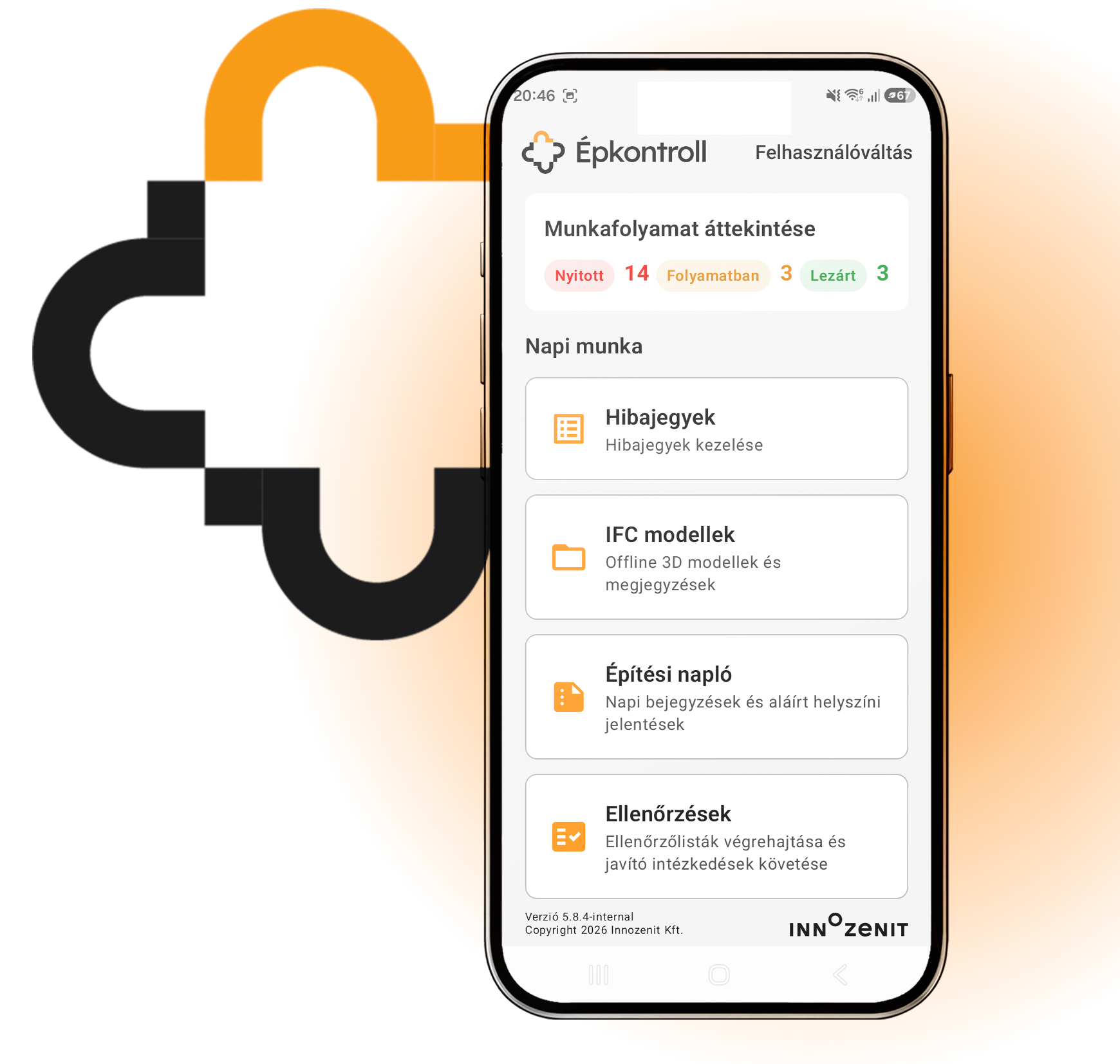
Capture defects, run inspections and keep project evidence together. ÉpKontroll connects field observations with locations, photos, drawings and IFC models — including offline work.
Android · v42.3_offline · Designed for work on site
A traceable workflow
Create a ticket with a location, photos, priority and deadline.
Make responsibility clear and keep the ticket history available.
Authorised contractors view their tasks and submit repair evidence.
The inspector accepts the repair or returns it for further work.
Field documentation
Capture the detail once. Keep it connected throughout the project.
Track priority, deadlines, status, responsibility and changes. Draft tickets support work in progress.
Add arrows, shapes, text and callouts to photos. Keep the original images alongside the annotated evidence.
Place positions on PDF drawings and use structured locations. Import location structures from XLSX or CSV.
Use versioned inspection templates with different answer types. Failed inspection items can create corrective tickets.
Generate or assign preprinted QR codes and scan them to reach the linked information.
Save and resume inspections offline. Use project packages, full backups and Nearby device transfers.
BIM context
Open IFC and IFCZIP models, inspect element properties and connect tickets with model elements and viewpoints.
Use storey and class filters, clipping and measurement tools to inspect the model.
Link elements, pins and viewpoints to observations. Annotate snapshots while preserving model geometry.
Import BCF topics, comments and viewpoints. Confirm model identity before relating imported issues to model elements.
Model loading and performance depend on the Android device and model complexity. BCF support described here is import functionality.
Site diary
Record workforce, equipment, work, deliveries, visitors, disruptions, safety observations and photos. Choose which diary sections are hidden, optional or required.
Bring ticket and inspection events into the daily record.
Generate a daily PDF and record acknowledgement.
Locked revisions remain unchanged; amendments create additional records.
The site diary does not replace the official Hungarian e-napló. Acknowledgement is not a qualified electronic signature.
PDF · DOCX · XLSX
Export ticket reports in PDF, DOCX and XLSX formats. Use daily PDF documents for site diary records.
Interoperability
Work locally and exchange structured project information through supported formats and services.
Two-way synchronisation of tickets and photos through Microsoft Graph after tenant and list setup. Internet access is required for synchronisation.
Import model and issue information. Keep observations connected to the model’s identity, elements and viewpoints.
Import location structures and versioned inspection templates. Transfer offline project packages and backups between devices.
Offline packages and device transfers are not real-time cloud collaboration. SharePoint availability depends on your Microsoft environment and configuration.
Licensing and introduction
Tell us about your team, projects and Microsoft environment. We will demonstrate the relevant workflow and discuss licensing and deployment with you.
Request a demonstration using the form below.
Questions
Fieldwork can be saved locally, including inspections. Connected services such as SharePoint synchronisation require internet access.
ÉpKontroll v42.3_offline is an Android application. There is currently no iPhone version. We can discuss suitable devices during the demo.
Inspection templates can be imported from Excel and managed as published or revoked versions.
Request a demo
Leave your details and tell us what you would like to see. We will contact you to arrange a demonstration.